 Brolly
Know the minute the rain starts.
Brolly reads the radar and tells you when rain will arrive and how heavy it'll be, minute by minute, for the next two hours. No subscription, no account, no ads.
FreeiOS 26 or laterWorks best in Australia
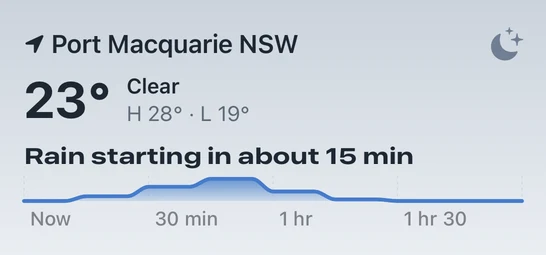
Rain starting in about 18 min
Example · next 2 hours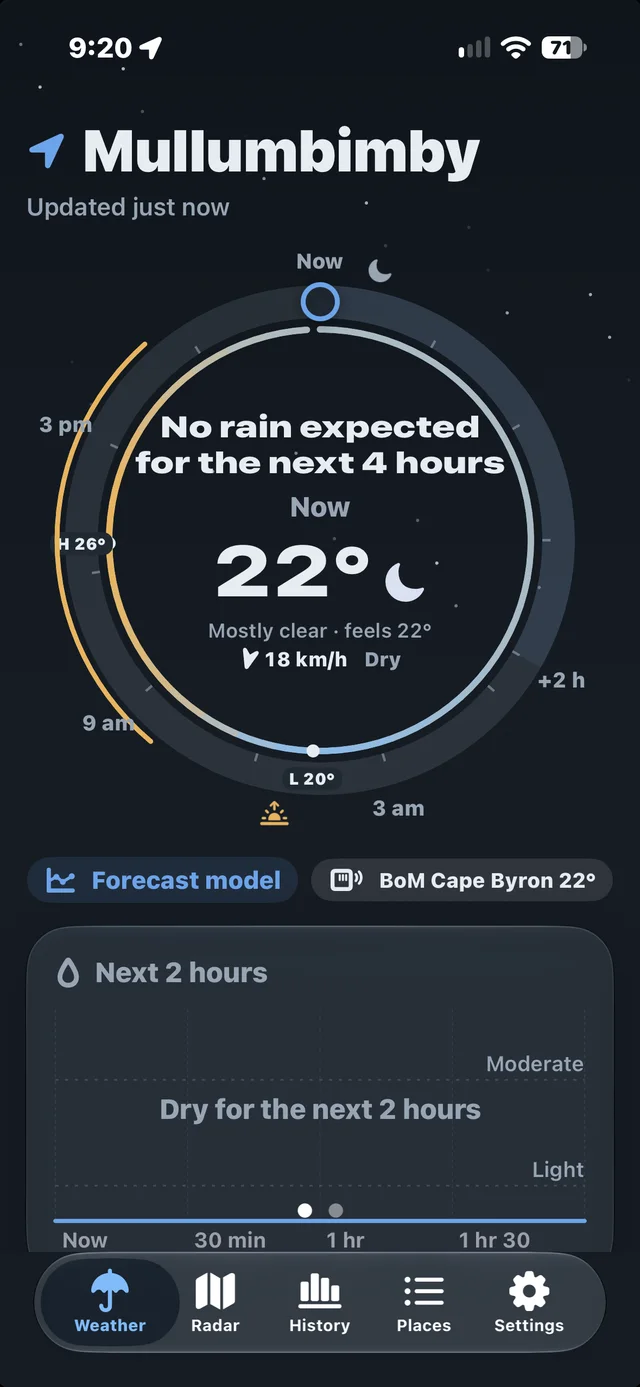
Everything you need before you step outside.
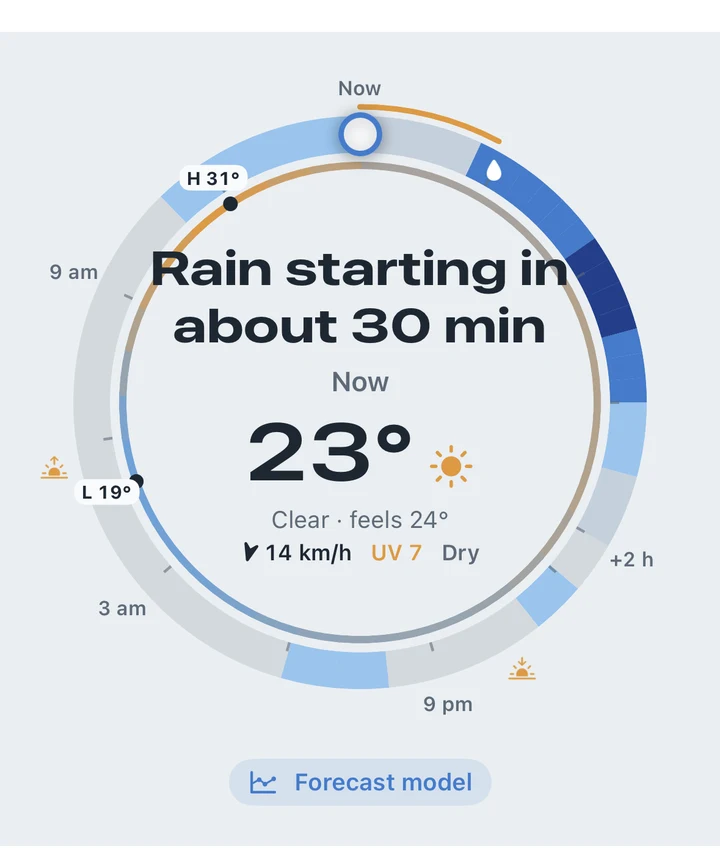
The next few hours in one dial
The ring around the temperature is a clock. Blue segments show when rain is due and how heavy, so you can see at a glance whether to grab the brolly or wait twenty minutes.
- Plain-English summary up top, like "Rain starting in about 30 min"
- Next 2 hours chart, rated light, moderate or heavy
- Hourly for 48 hours and daily for 10 days
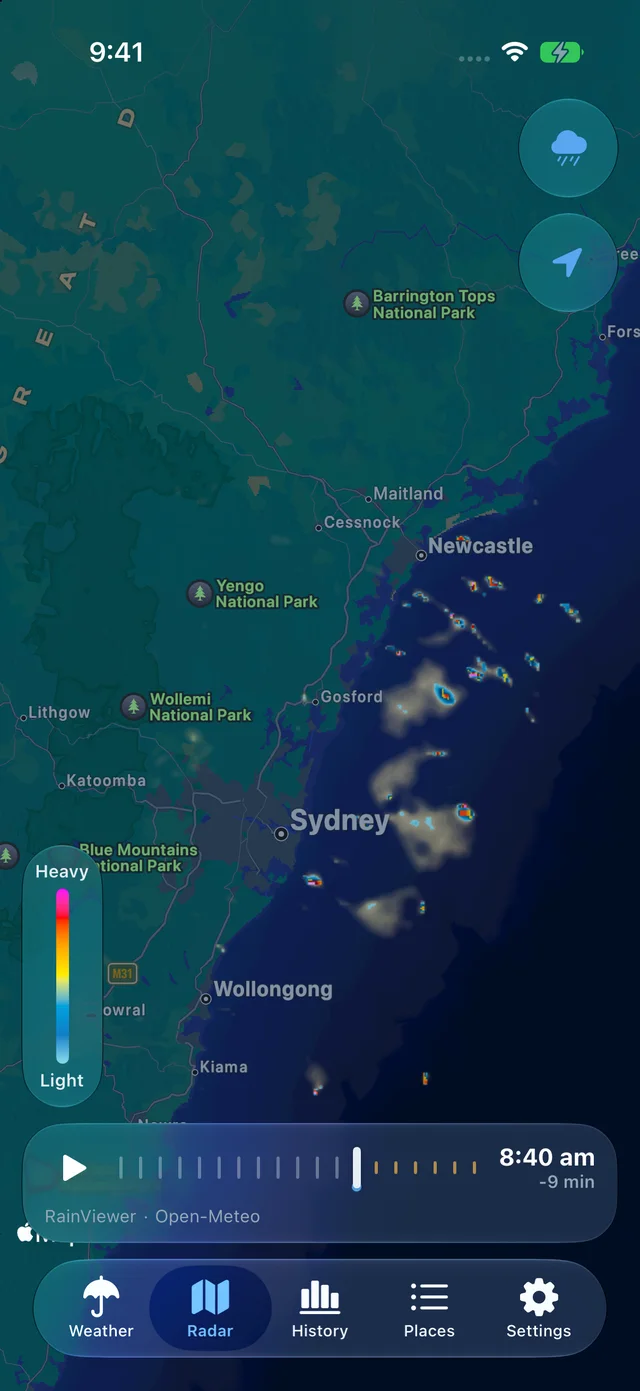
Live radar, and where it's heading
Scrub back through the last two hours of radar, then forward into forecast frames that show where the rain is moving. The play bar tells you exactly how old each frame is.
- Rain colour-scaled from light to heavy
- One tap to jump back to where you are
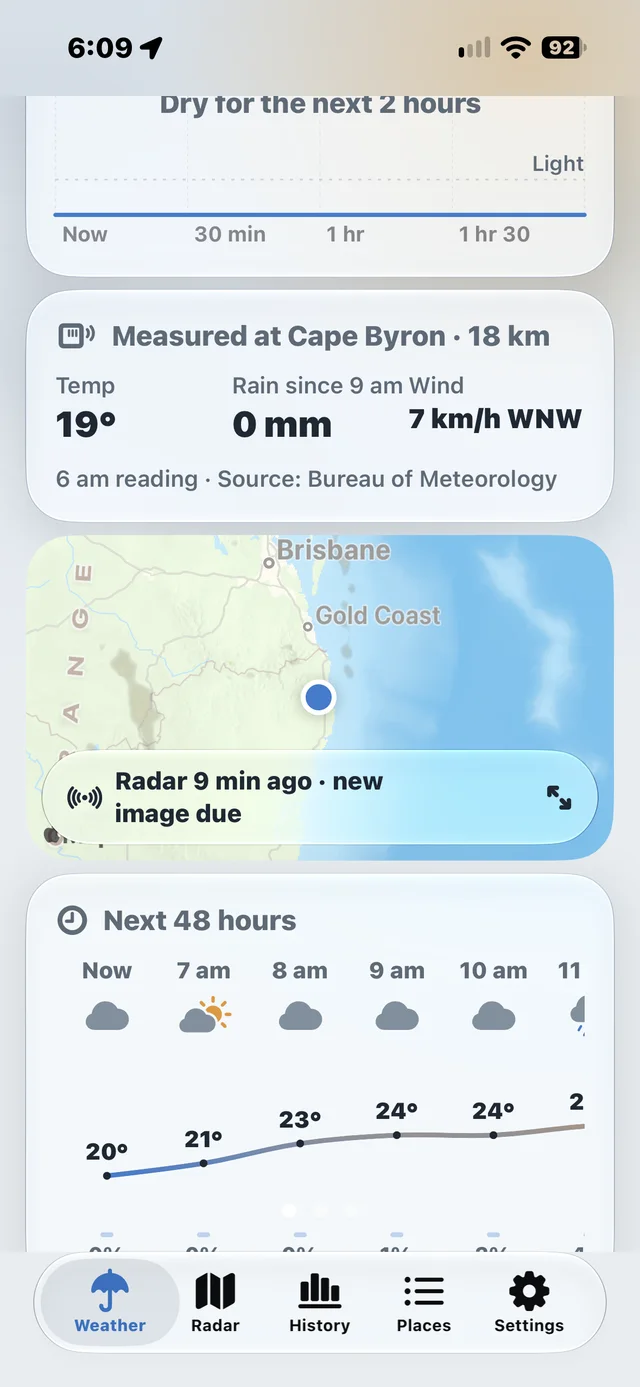
Measured, not just modelled
In Australia, Brolly shows the latest reading from the nearest Bureau of Meteorology weather station, so you can see what's actually happening, not only what a model predicted.
- Temperature, wind and rain since 9 am
- Nearby stations listed with today's rain totals
- 72 hours of measured history
Widgets
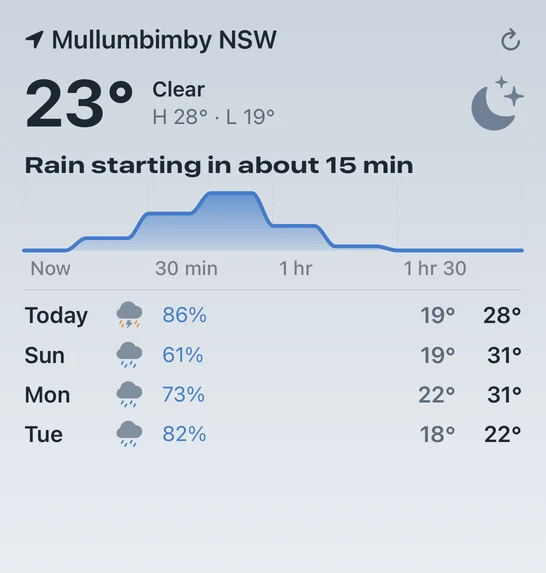
Small, medium and large widgets for your Home Screen, plus Lock Screen widgets. They follow you as you move.
Apple Watch
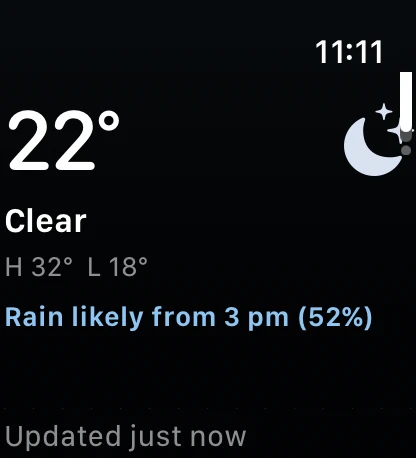
Check the temperature and when rain is likely without pulling out your phone.
Live Activity
When rain's on the way, a countdown sits on your Lock Screen and in the Dynamic Island until it arrives.
A rain app is only as good as its next call.
Brolly blends what the radar shows right now with the latest forecast models, then checks its own forecasts against real rain gauge and temperature readings from the Bureau of Meteorology. Each round of results tells us what to fix next.
That's why the beta matters. When Brolly gets it wrong where you are, we want to hear about it.
Try it now on TestFlight. Help shape version 1.
Get TestFlight
It's Apple's free app for trying apps before they're released. Download TestFlight from the App Store.
Join the Brolly beta
On your iPhone, tap Join the beta on this page. TestFlight opens. Tap Accept, then Install.
Use it, then tell us
Take a screenshot in Brolly to send feedback through TestFlight, or email us. Rain it missed is the most useful thing you can report.
Public beta
Anyone with the link can join. We fix what you find.
Tighten it up
Accuracy tuning from real-world reports and rain gauges.
App Store
If the beta goes well, Brolly goes live for everyone, still free.
Tell us when it's wrong.
Every report helps. The best ones say where you were, what time it was, and what Brolly said compared with what the sky did.
- In the app, take a screenshot to send it straight to us through TestFlight.
- Tell us your suburb or town, not your street address.
Good to know
Is it really free?
Yes. Brolly has no subscription, no in-app purchases and no ads, and it'll stay that way on the App Store. It's a non-commercial project.
What do I need?
An iPhone running iOS 26 or later and Apple's free TestFlight app. The Apple Watch app needs watchOS 26.
Does it work outside Australia?
Forecasts and radar work in many countries, though radar coverage varies. Weather station readings come from the Bureau of Meteorology, so they only appear in Australia.
What do you collect about me?
Nothing. There's no account, no analytics and no tracking. Your location stays on your phone, apart from a rounded position sent to the weather services to fetch your forecast. Read the privacy policy.
Where does the weather come from?
Forecasts from Open-Meteo, radar from RainViewer, and weather station readings from the Bureau of Meteorology. Brolly combines them on your phone.
What happens when the beta ends?
If it goes well, Brolly moves to the App Store. You'll be able to switch to the App Store version, and we'll post the link here.